


What is Local Area Network? Benefits of Local Area Network
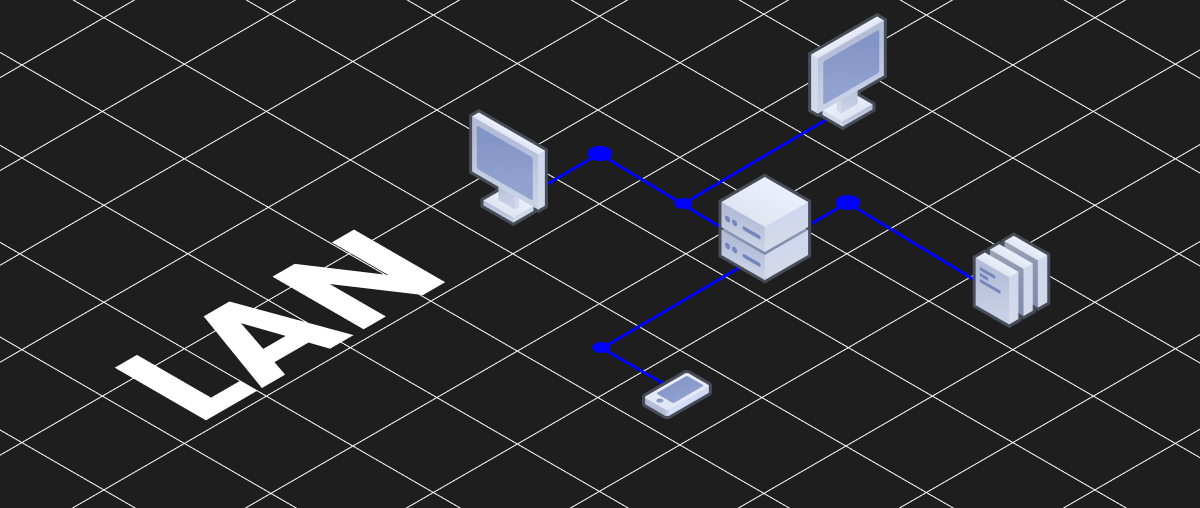
Local Area Network (LAN), also known as a local network, allows computers to connect with each other to work together and share information.
I. What Is a LAN?
Definition of LAN:
A LAN (Local Area Network) is a computer network system that allows devices to connect and communicate with one another to share data.
Typically, network cables or wireless connections—commonly known as Wi-Fi—are used for connectivity within a LAN. This could be in an office, a private home, or a school.
A LAN enables devices to exchange resources and information such as printers, applications, files, and collaborate within a local environment.
LAN Usage Scope:
A LAN only covers a small area such as an office, private home, school, gaming room, or business facility. Its range typically does not exceed 100 meters.
Within this range, computers can connect and communicate to share resources and data. However, if computers are farther apart, they will use the Internet to exchange data between LANs.
II. Types of LAN
In general, there are two main types of LAN: Client/Server LAN and Peer-to-Peer LAN (P2P)
1. Client/Server LAN
Also known as a two-tier network, this type includes multiple devices connected to a central server via cables or wireless connection. The server manages file storage, application access, device access, and network traffic. The clients are connected devices that run or access applications.
Typically, applications are hosted on the LAN server. Users can access databases, email, file sharing, and other services through server-based applications with permissions granted by an administrator. Most medium to large businesses or organizations use this type of LAN.
2. Peer-to-Peer (P2P) LAN
This type of LAN lacks a central server and is not capable of handling heavy workloads like a client/server LAN, which is why it is usually smaller in scale. Each device in a P2P LAN shares equal responsibility for the network, sharing resources and data through wired or wireless connections to a switch or router. Most home networks are peer-to-peer LANs.
III. Basic Components of a LAN System
See more products: Buy advertising accounts
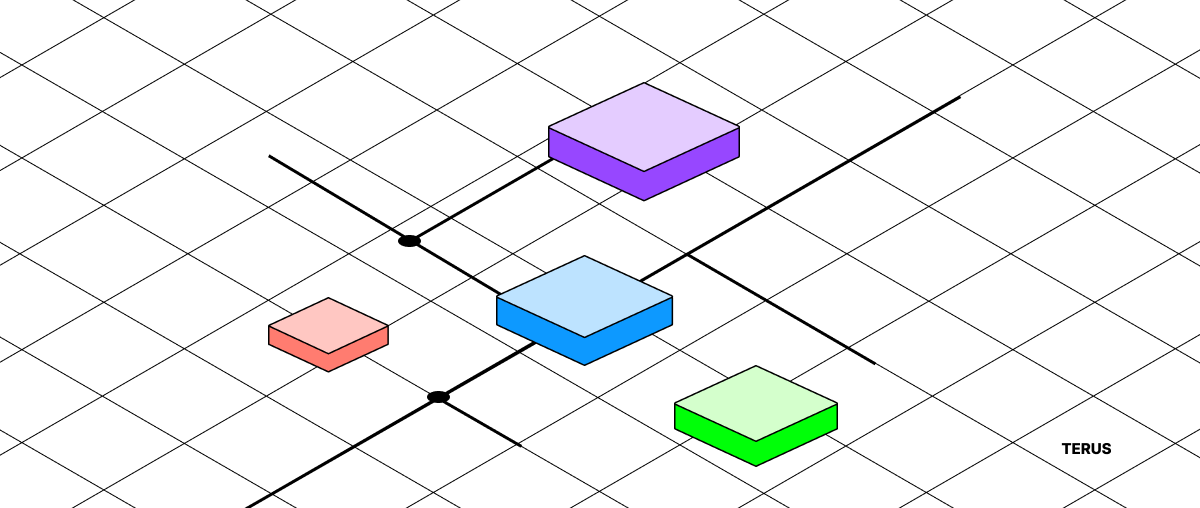
Let’s explore the basic components of a LAN:
1. Workstations
These are computing devices like smartphones, laptops, tablets, and PCs. They connect to the LAN, allowing access to resources and communication with other devices on the network.
2. NICs and Drivers
A Network Interface Card (NIC) is a hardware component installed in a computer to connect it to the LAN. A driver is the software installed on the operating system to manage and control the NIC.
3. Switches
A switch is a networking device used to connect computers in a LAN. It can direct data from one device to another efficiently.
4. Network Cables
Devices in a LAN can be connected using network cables. Depending on the network technology used, different cables may be used such as Ethernet, fiber optic, or coaxial cables.
5. LAN Router
A router connects the LAN to a WAN or other networks. It handles routing of data and manages network traffic.
6. Network Operating System Software
Software like Windows Server, Linux, or macOS Server is often installed on servers in a LAN to manage and deliver services like data storage, shared printers, and user management.
IV. Why Should You Use a LAN System?
There are many reasons to use a LAN in an organization, business, or household. Here are some key benefits:
1. Resource Sharing
Resources like printers, storage devices, servers, and software applications can be shared across the network. This boosts work efficiency and reduces costs since you don’t need to purchase individual resources for each computer.
2. Information Exchange
LAN allows computers within the network to communicate easily. Users can quickly and efficiently share files, documents, emails, messages, and other data.
3. Data Management
LAN provides centralized backup and data management through a central server. This protects important information and enables easy recovery when necessary.
4. Application Integration
LANs allow the integration of applications like email, voice communication, video conferencing, and business tools. This enhances collaboration across the LAN system.
5. Data Security
LANs offer security measures such as passwords, encryption, and access control. This helps safeguard important data from unauthorized access.
6. Easy Network Management
LANs simplify network management through tools like management software and graphical interfaces. Users can monitor and manage the network effectively.
V. Types (Topologies) of LAN
See more products: Buy advertising accounts
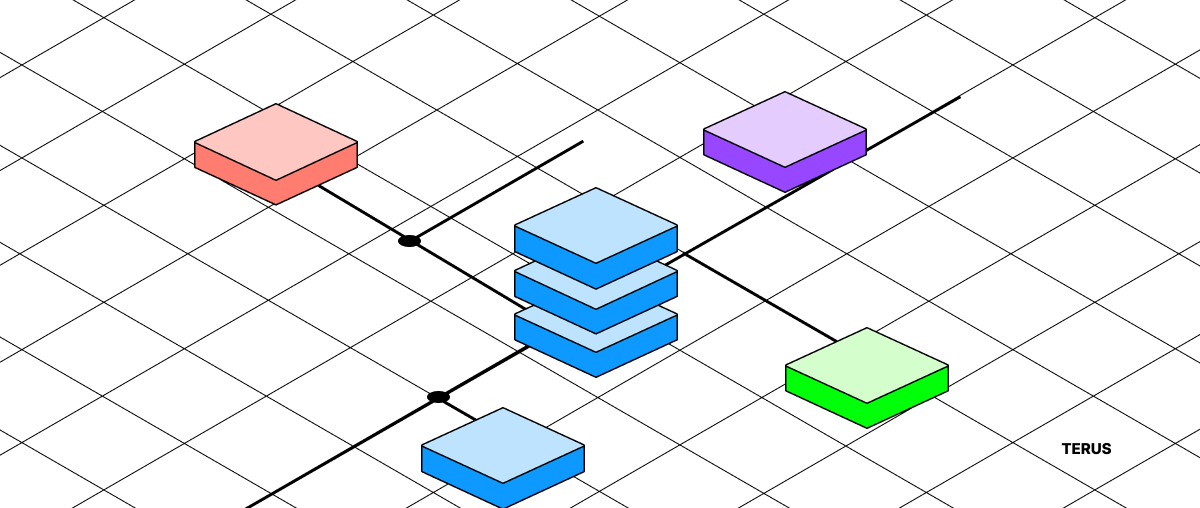
There are several common topologies used in LAN networks. Below are some frequently implemented LAN topologies:
1. Star Topology
In a star topology, the LAN includes a central server acting as the hub, and multiple clients (nodes) as part of the network system. The central server monitors and handles errors during data exchange, reports the network’s status, and determines which sender-receiver address pairs are allowed to communicate.
Advantages:
-
Easy to manage and set up.
-
Network remains unaffected if a single device fails.
-
High transmission performance due to lack of conflicts.
-
Ideal for small networks.
Disadvantages:
-
Entire network can be disrupted if the switch fails.
-
Requires more cabling compared to other topologies.
-
Expansion is limited by the number of switch ports.
2. Ring Topology
In a ring topology, the LAN is arranged in a closed loop where data travels in one specific direction. Each device passes the signal to the next, with the data containing the address of the intended recipient.
Ring topology allows for greater expansion and faster transmission compared to a bus topology. However, it’s difficult to diagnose issues, and if one segment loses signal, the entire network may go down.
Advantages:
-
Better data sharing compared to a bus topology.
-
Expansion is relatively easy.
-
Suitable for networks requiring high reliability.
Disadvantages:
-
The entire network can go down if one device fails.
-
Performance decreases as more devices are added.
-
More complex to manage compared to a star topology.
3. Linear Bus Topology
This topology is arranged like a corridor where devices are connected along a single central cable (the bus). Both ends of the cable are terminated with a device called a terminator.
It uses the least amount of cabling and is easy to install. However, it’s prone to congestion under heavy traffic, and troubleshooting can be difficult when issues occur.
Advantages:
-
Easy installation and low cable cost.
-
Ideal for networks with few devices.
-
Reduced collisions as data flows in one direction.
Disadvantages:
-
Congestion occurs when too many devices connect.
-
A failure in the main cable affects the entire network.
-
Difficult to manage and scale in larger networks.
- Quản lý và mở rộng mạng trở nên khó khăn khi mạng lớn hơn.
4. Mesh Topology
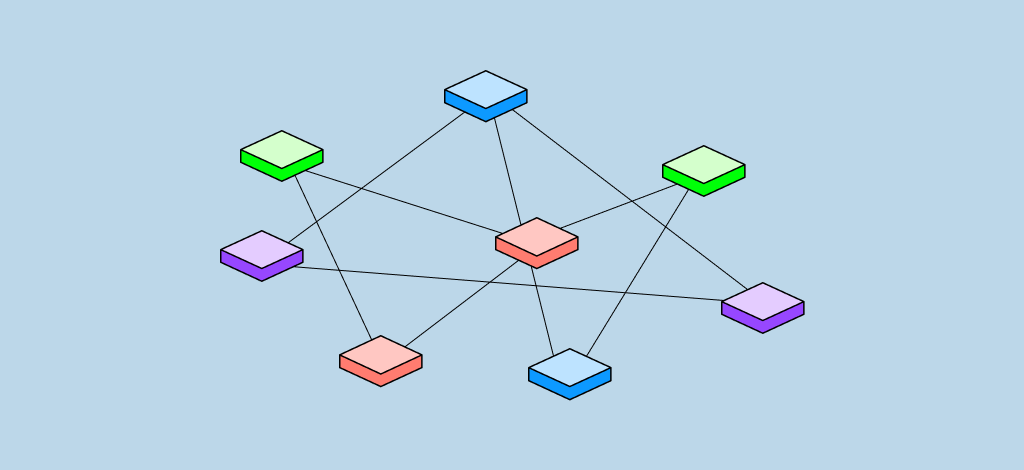
In a mesh topology, devices connect directly with each other without needing a central switch or hub. Each device operates independently, so if one fails, the rest of the system remains functional. This setup allows for easy addition of new devices and extremely fast information exchange.
5. Tree Topology
This hierarchical network topology is similar to a star topology, but instead of connecting switches or hubs together, the system connects to a central computer responsible for traffic management. In this LAN setup, data travels from the main server to secondary centers and then to devices, and vice versa.
VI. Uses of a LAN
LANs play a crucial role in enabling devices to access the Internet quickly and efficiently. Some key uses include:
-
Device connectivity: LAN cables are used to connect devices within a local network. For example, you can connect a computer to a switch, the switch to a router, and the router to a modem. These connections create the wired infrastructure for devices to communicate and access network resources.
-
Data transmission: LANs provide the medium for data to be transferred between connected devices, enabling information exchange and internal communication.
-
Communication and collaboration: LANs facilitate communication and teamwork between users and devices. This includes services like email, instant messaging, video conferencing, and shared project management tools.
-
Centralized data backup and storage: LANs support centralized data backup and storage solutions. Network-attached storage (NAS) devices can be connected to the LAN, providing a shared space for data that is accessible from multiple devices.
-
Security and access control: LANs allow implementation of security measures like firewalls, access policies, and user authentication to protect network resources and sensitive data.
-
Remote access: LANs can be configured to allow remote access, enabling users to securely connect to the LAN from external locations. This supports remote work and secure access to internal resources.
If you need the most reputable payment method and advertising account provider, you can message the fanpage buybm365.com-Ads to receive advice from HT Media. In addition, you can follow the articles. Latest articles related to our Digital Marketing.





