


What is Google My Business? How to verify 100% and use it for Local SEO
What is Google My Business?
Google My Business is a free tool provided by Google that allows businesses to manage how their information appears on Google Search and Google Maps.
Businesses can update their address, business hours, phone number, latest posts, and upload relevant photos and videos to showcase their business to potential customers.
Why Should You Use Google My Business?
Any business, organization, or seller operating on Google’s platform should utilize this feature to:
See more products: Buy advertising accounts
-
Manage business information for free and effectively
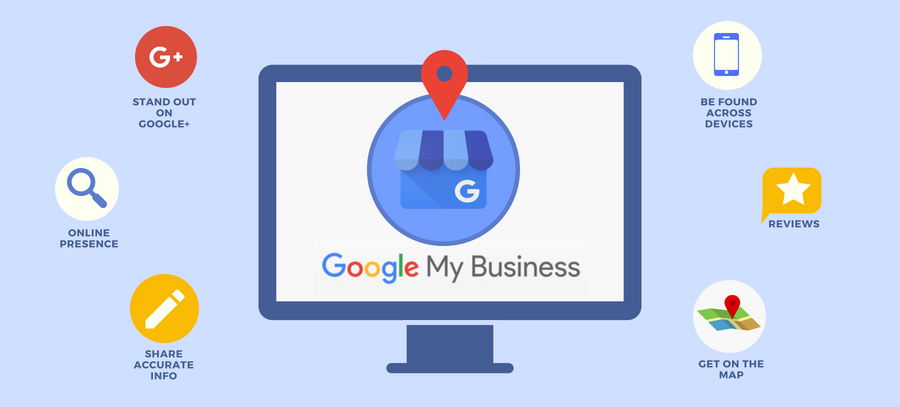
Google My Business helps promote your business on Google Search and Google Maps, expanding your customer reach. -
You can update your business information anytime, and it will appear instantly on Google.
-
It allows business owners to manage and respond to customer reviews, building trust and increasing the chances of attracting new clients.
-
You can add photos, videos, and new posts to showcase your business, creating excitement and attracting more interest.
How to Register for Google My Business
To sign up for Google My Business, follow these simple steps:
Step 1: Enter your business name
Start by entering your business name on the Google My Business page and provide complete business details. Click “Next” to continue and agree to the terms and privacy policies.
Step 2: Add your business location
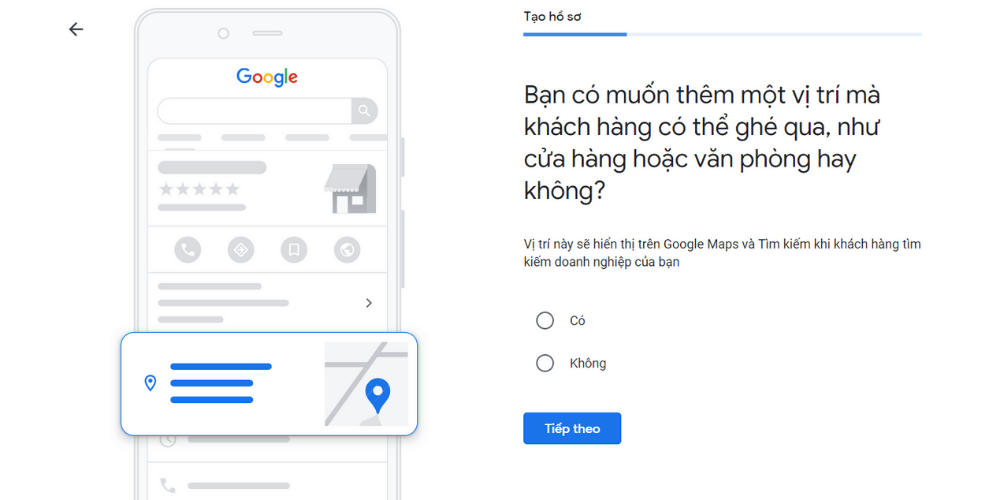
Enter the exact address of your business, which will be shown on Google Search and Maps when customers search for it. After entering the address, click “Next.” Then, confirm your business location on Google Maps. If your business has additional locations, select “Yes”; otherwise, choose “No.”
Step 3: Select the appropriate business category
It’s recommended to choose one primary category that best describes your business. You can add additional categories later to specify the services you offer and help customers better understand what you do.
Step 4: Provide your business contact information
You can enter a website URL, hotline phone number, or both to allow customers to contact your business easily.
Step 5: Complete registration
After completing all the steps, click the “Finish” button to finalize your Google My Business registration.
How to Use and Manage Google My Business
See more products: Buy advertising accounts
After successfully registering and verifying your Google My Business account, follow these steps to use and manage the tool effectively:
Step 1. Visit the Google My Business page
Step 2. Sign in and click on your business name
Step 3. On the left side of the page, select the sections to manage your business information, including Info, Posts, Photos, Reviews, Comments, Q&A, Products, and Jobs
Step 4. In the Info section, you can edit business details such as name, address, opening hours, website, phone number, and business category
Manage Location is the location management page that helps you oversee all your business locations. Depending on your needs, you can manage multiple locations under the same account.
The Settings section allows you to configure review displays, language preferences, images, and other settings.
Linked Accounts enables you to connect multiple advertising accounts.
If you have any questions about using or managing Google My Business, the Support section is where you can send inquiries to Google’s support team for assistance.
Step 5. Additional usage tips:
-
In the Posts section, you can publish posts about your business to promote and engage with customers
-
In the Photos section, you can upload images related to your business, including cover photos, profile photos, and other visuals
-
In the Reviews and Comments sections, you can view and manage customer feedback
-
In the Q&A section, you can respond to customer questions about your business
-
In the Products section, you can create a product list for customers to view and shop online
-
In the Jobs section, you can post job openings to find suitable candidates
Conclusion
As you can see, Google My Business is an extremely important tool that every business owner should pay attention to and utilize to support their sales and marketing activities. Wishing you success in registering, using, and managing your Google My Business account!
If you need the most reputable payment method and advertising account provider, you can message the fanpage buybm365.com-Ads to receive advice from HT Media. In addition, you can follow the articles. Latest articles related to our Digital Marketing.





