


How to use Google Bard to find information on Gmail and Docs you need to know
These new features include extensions that allow Bard to connect with more Google services, such as Gmail, Docs, and YouTube.
While not necessarily groundbreaking, anyone with a mountain of unread emails piling up in Gmail or countless documents from “back in the day” in Google Docs will likely appreciate this update.
If you’re concerned about privacy, Google has stated that when users activate Workspace extensions for Bard, their content from Gmail, Docs, and Drive will not be viewed by human reviewers, used by Bard for advertising purposes, or exploited by Google to train Bard.
See more products: Buy advertising accounts
What is Google Bard?
Google Bard is a generative conversational AI chatbot developed by Google. Initially built on the LaMDA large language model and later powered by the PaLM LLM, Bard was launched in March 2023 in response to OpenAI’s ChatGPT, initially with limited access.
Google Bard can perform a variety of tasks, including:
– Answering questions comprehensively and informatively, even open-ended, challenging, or unusual ones.
– Creating various types of creative text formats such as poems, code, scripts, songs, emails, letters, etc.
– Translating languages.
– Writing different types of content such as articles, blogs, websites, etc.
Google Bard can be applied across a range of fields and purposes, including:
– Education: Bard can be used to deliver lessons or study guides.
– Entertainment: Bard can be used to generate stories or games.
– Business: Bard can assist with customer support or marketing content creation.
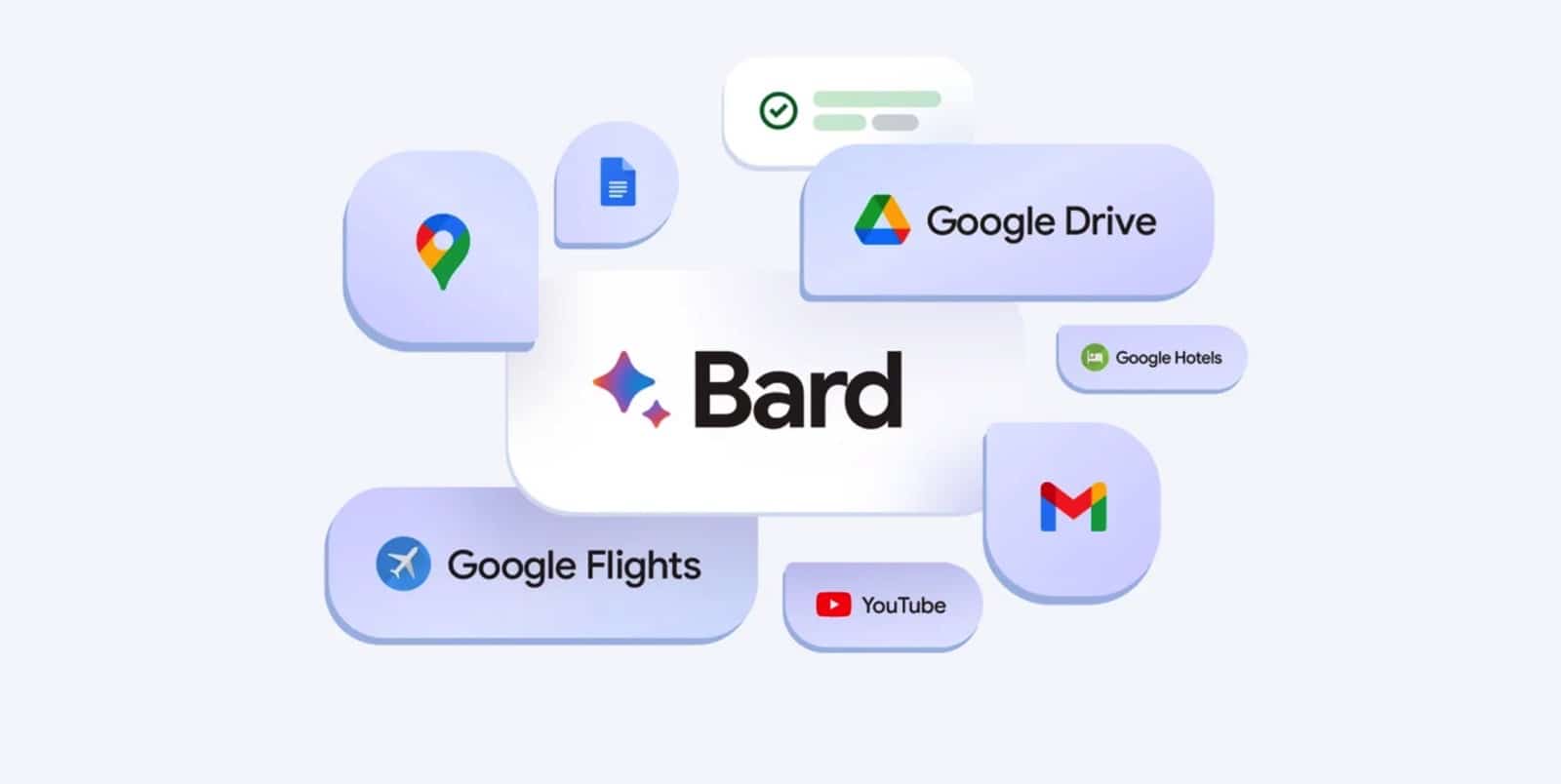
How to Use Extensions for Google Bard
You’ll need a Google account to interact with Bard. If you don’t have one yet, you’ll need to create it first. Once signed in, simply visit https://bard.google.com to start using Google Bard.
On Bard’s main page, you can activate links to services like Google Flights, Google Hotels, Google Maps, YouTube, and Google Workspace (which includes Gmail, Google Docs, and Google Drive). Each of these extensions can be turned on or off individually.
Once the Workspace extension is enabled, you can tag the specific service you want Bard to focus on during your conversation by using tags like “@docs”, “@drive”, or “@gmail”.
For example: “Check @gmail and summarize today’s unread emails.”
Tips for Using Google Bard to Search Gmail and Docs
First of all, don’t place too much expectation on the new extensions for Google Bard. Many AI features launched in 2023 have been labeled as experimental, and the latest update to Google Bard is no exception. It’s designed to prioritize searching for the most recent emails in your Gmail inbox. According to early users, Bard typically only refers to about five relevant emails; and when asked to retrieve the oldest email from a specific sender dating back years, the chatbot instead cited an email from… last week.
On the other hand, with the new extensions enabled, Google Bard often appears to get confused and misunderstand the context of the information it extracts from emails or other user documents. For example, when one user asked whether there were any emails from his father, Bard pulled up a Father’s Day promotional email from 2017 found in his Gmail inbox and claimed it was the only email from his dad.

See more products: Buy advertising accounts
So, you may be wondering: are Bard’s extensions still worth using given this situation? If you’re trying to find an email or document but can’t remember anything specific except the topic, Bard can be quite useful. From computer games to swimming pools, Google’s chatbot can retrieve information related to the subjects you mention.
Another interesting use of these new extensions is to ask Google Bard to evaluate the content you’ve drafted in Gmail or Docs. For example, when a user asked if any email could be written better, Bard did pull out three emails and gave some fairly helpful suggestions about tone and how to make the content more concise.
In general, while this ambitious update to Google Bard shows promise, there are still many issues that need to be addressed before it can truly become a reliable AI assistant. For now, the standard search bar you’re used to at the top of Gmail and Google Docs remains the fastest and easiest way to find anything you need!
If you need the most reputable payment method and advertising account provider, you can message the fanpage buybm365.com-Ads to receive advice from HT Media. In addition, you can follow the articles. Latest articles related to our Digital Marketing.





