


How to run Google Map ads most effectively
To attract customers to your store, advertising on Google Maps is one of the best options. Moreover, advertising on Google Maps is an effective way to reach customers located near your business. However, you might not yet know how to run these ads. Let us guide you through the details on how to effectively run Google Maps ads.
What is Google Maps Advertising?
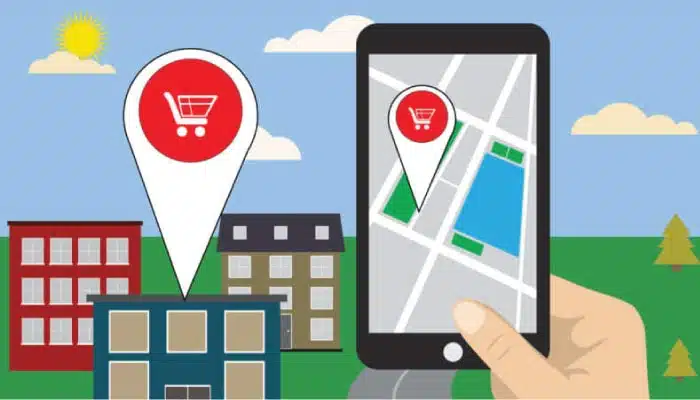
Google Maps advertising, also known as local search ads, is a method of promoting businesses on Google Maps. When customers search for a business address using relevant keywords on their mobile devices, Google displays results based on the user’s actual location and the business’s ranking.
See more products: Buy advertising accounts
Google Maps ads work similarly to pay-per-click (PPC) ads that appear at the top of Google Maps search results. This makes them one of the most effective ways to attract customers near your location. Additionally, this type of advertising helps businesses:
-
Drive and increase traffic from nearby customers.
-
Encourage customers to visit your store or business.
-
Provide more detailed business information such as phone number, hours of operation, images, and user reviews, making it easier for customers to get in touch.
How Does Google Maps Advertising Work?
Advertising on Google Maps makes it convenient to expand your business reach. Once you set up an ad campaign, your business information is showcased on the map across three strategic placements: mobile search results on Google, the Google Maps app, and the desktop version of Google Maps.
On mobile devices, your business image will stand out at the top of search results. Similarly, local search ads related to your business will appear when users search via the Google Maps app. For example, if someone types “jewelry store near me” on a desktop and clicks “View All,” your business could be featured at the top of the search results.
Google charges businesses based on the number of clicks that interact with the ad on Google Maps. Common types of clicks include:
-
Clicks to view detailed location information.
-
Direct clicks for directions.
-
Click-to-call interactions from mobile devices.
-
Clicks to visit the website link.
Current Types of Google Maps Ads
-
Manageable business listings: Your business, company, or store information appears on Google Maps as a “manageable business,” allowing easy control over your information. This is a free option, but requires address verification through a code sent by Google.
-
Local suggestions: Your address appears as a “local suggestion,” but you cannot manage the information. This is also free and does not require a verification code, but there’s a higher risk of inaccurate information.
-
Paid listings: Your address is promoted through a Google Search campaign, requiring payment.

See more products: Buy advertising accounts
How to Effectively Run Google Maps Ads
Step 1: Log in to your browser
The first step is to log in through a browser that supports JavaScript, is free from unsafe extensions, and does not block embedded login frameworks.
Step 2: Add your business information to Google Maps
To run ads on Google Maps, your business must already appear on Google Maps.
Go to https://www.google.com/business/placesforbusiness/ and click “Get Started for Free.” Log in and accurately fill in your address, then follow the instructions. Once done, click “Submit” and wait for Google to send you a PIN code. After receiving it, verify it via google.com/local/verify.
For example: Suppose you want to advertise an imported foosball table store on Google. Before the ad appears, you must create a business profile on Google My Business and verify that you are the business owner.
See more products: Buy advertising accounts
Step 3: Set up advertising on Google Maps
To set up Google Maps ads, you need to activate the location extension in your Google AdWords account. Then, update and manage your Google My Business listing. If you don’t have one, log in to “My Business.”
If you already have a listing, ensure that your information is accurate and specific. Next, set your target audience and bidding strategy based on location. For targeting nearby locations, it’s recommended to bid higher than nearby competitors. Finally, launch your ad and monitor your campaign statistics.
Conclusion
Above is a detailed guide on how to run Google Maps ads effectively. If you are new to promoting your business via Google Maps, this article should be very helpful. We hope that the information provided has given you a deeper understanding of how Google Maps ads work and the benefits they offer, so you can set up an advertising campaign that achieves the best results for your business.
If you need the most reputable payment method and advertising account provider, you can message the fanpage buybm365.com-Ads to receive advice from HT Media. In addition, you can follow the articles. Latest articles related to our Digital Marketing.





